
How to download the conference app?
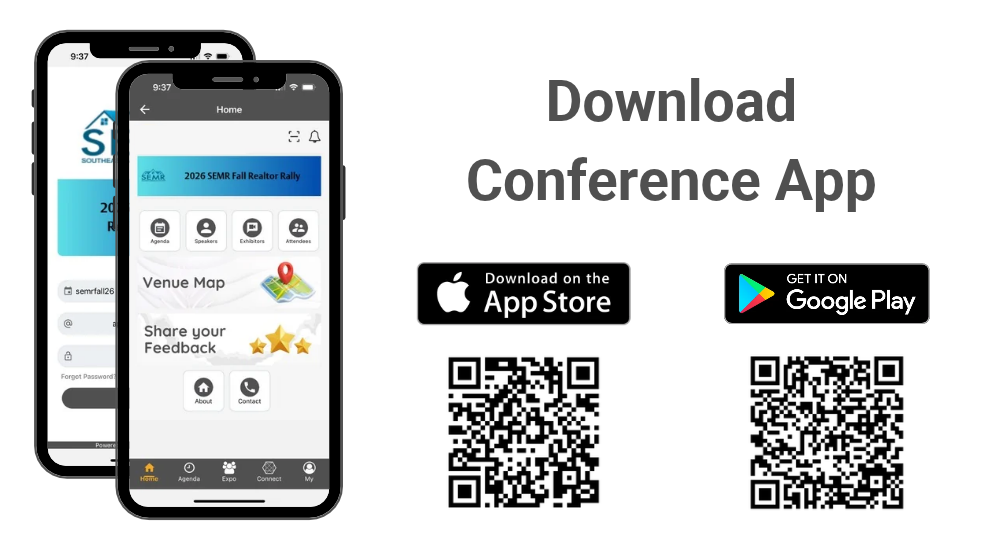
Please follow instructions below to download the app to your smart phones.
Information for iPhone users:
- Search for EventsLite in the App Store or or access it directly using this link: click here.
- Enter semrfall26 for the event code.
- Username: Your registered email address
- Temp password: semrfall26
Information for Android users:
- Search for EventsLite in Google Play Store or access it directly using this link: click here.
- Enter semrfall26 for the event code.
- Username: Your registered email address
- Temp password: semrfall26
How to participate in passport game?

Passport Activity Instructions
To qualify for the prize, you must visit each exhibitor booth and scan the Passport QR code.
Follow these steps to scan the Passport QR code:
- From the Home tab, tap the Scan icon to scan each passport QR code when visiting their booths.
- From the Expo tab, tap the Passport icon to view the companies you have scanned.
Note: You must use the QR scanner within the app to complete your scan. Scans made using your phone’s camera or an external QR scanner will not be recorded.