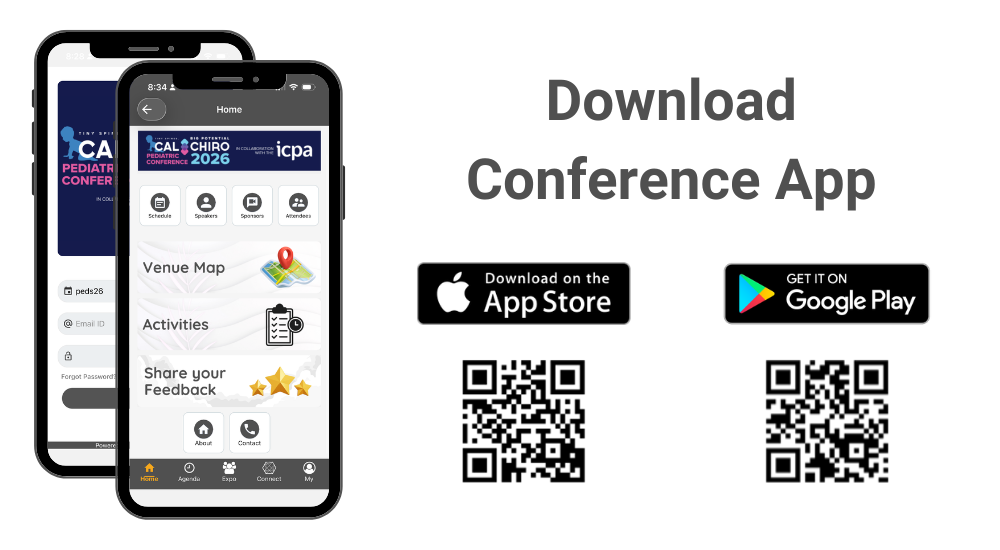
How to Download the Conference App?
Please follow instructions below to download the app to your smart phones.
Information for iPhone users:
- Search for EventsLite on App Store, or access it directly using this link: click here.
- Enter peds26 for the event code.
- Username: Your registered email address
- Temp password: peds26conf
Information for Android users:
- Search for EventsLite on Google Play Store, or access it directly using this link: click here.
- Enter peds26 for the event code.
- Username: Your registered email address
- Temp password: peds26conf
How To Scan Exhibitor Booth QR Codes?
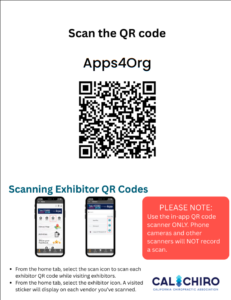
1. Navigate to an exhibitor booth, and locate a QR Code like the one shown below:
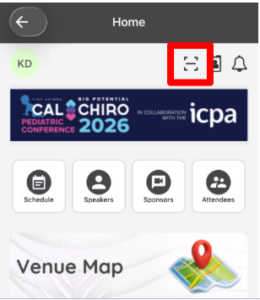
2. Sign into the app and locate the icon highlighted below:
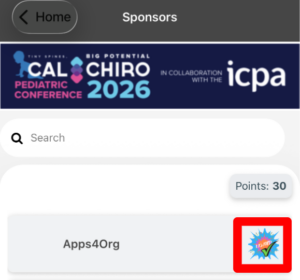
3. Once the QR Code has been scanned, it will be marked as “Scanned” in the Sponsors tab