
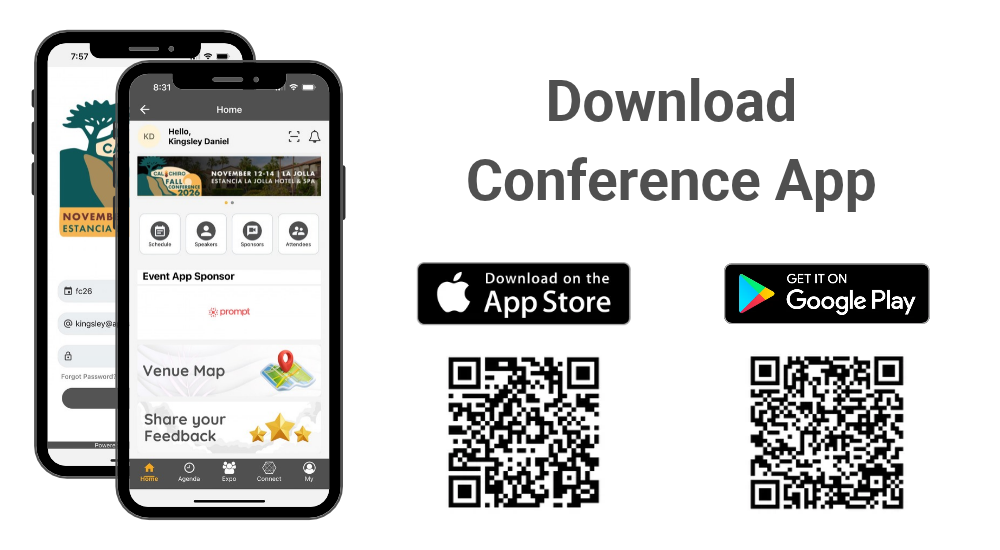
How to Download the Conference App?
Please follow instructions below to download the app to your smart phones.
Information for iPhone users:
- Search for EventsLite on App Store, or access it directly using this link: click here.
- Enter fc26 for the event code.
- Username: Your registered email address
- Temp password: fc26conf
Information for Android users:
- Search for EventsLite on Google Play Store, or access it directly using this link: click here.
- Enter fc26 for the event code.
- Username: Your registered email address
- Temp password: fc26conf
Lead Generation Scanning Instructions
1. You will receive a QR code sign (pictured below).
Please display it in a prominent location where it is clearly visible to attendees.
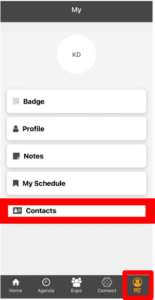
2. Once an attendee scans your company’s QR code, the primary exhibitor can view their list of scanned contacts by navigating to ‘My Profile’ and selecting ‘Contacts’.
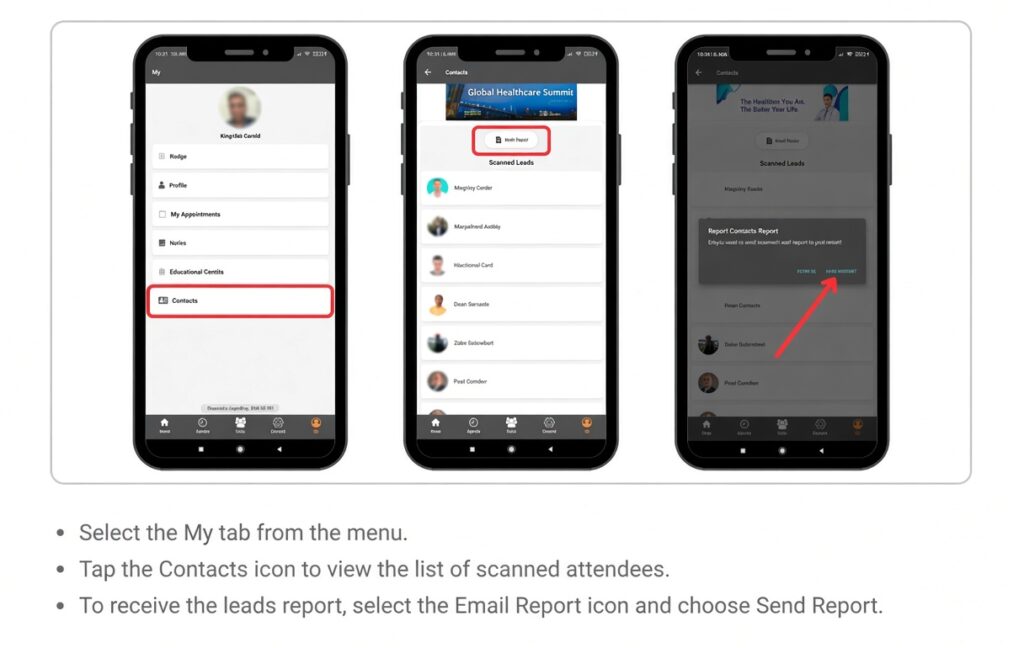
View Scanned Attendees & Download Report